How do I make an iMessage book?
Open the iMessage guide in Foliry’s creation flow on your Mac. The Chat Export helper lets you choose a conversation from Messages and save it as a ZIP for Foliry. Check that the messages you want are visible on the Mac before you export.
Can I use Android text messages?
For Android SMS, the import screen accepts XML or HTML from SMS Backup & Restore. Keep the original backup and use the exported file for your book. These files are different from the plain text export you get from WhatsApp.
What will my text messages look like in the book?
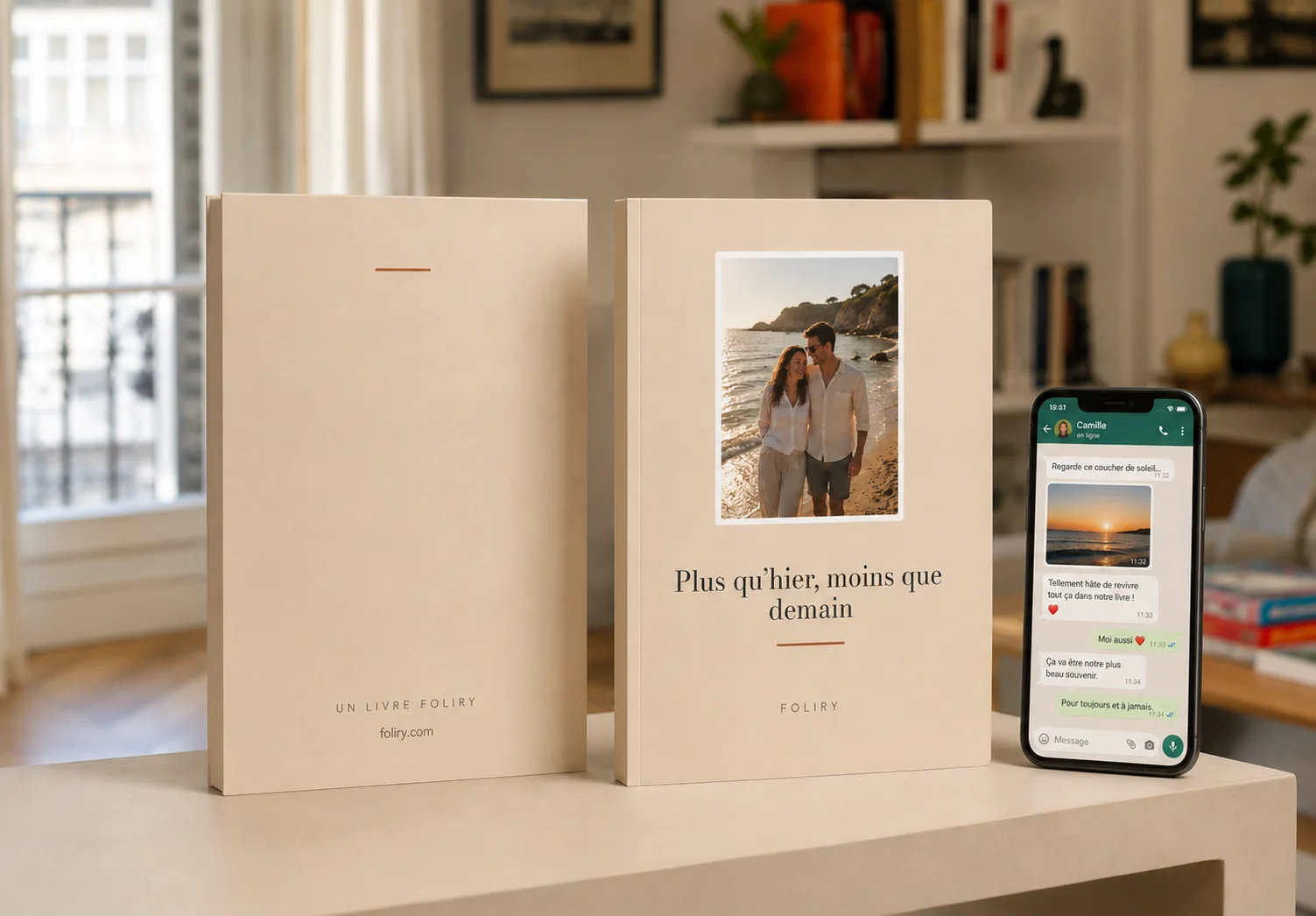
Think of a message like “we’ve got the keys”. You might want the reply from two minutes later on the very same page. Foliry selects exchanges and gives them their context. Read the preview, then use the full edition to edit the text and add a photo of the door you finally opened.