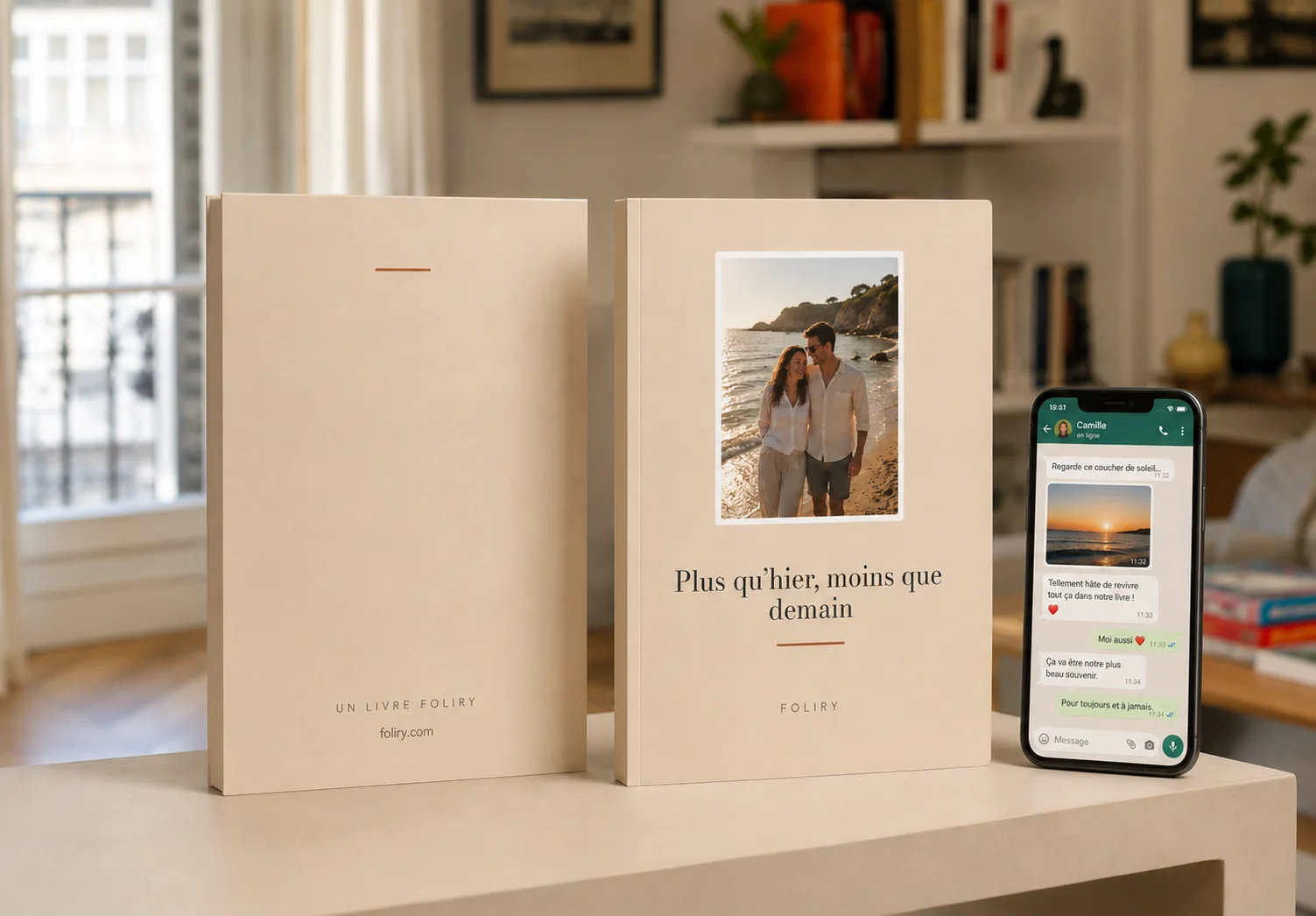
How do I export the chat on my phone?
On iPhone, open the conversation, tap the contact or group name and choose Export Chat. On Android, open the chat menu, choose More, then Export chat. Choose the option without media for a text-only copy and save the result to your files.
How do I print just the messages I want?
If you received a ZIP, extract it first. Open the text file in a document editor, copy the passage you need into a new document and check the page breaks in print preview. Keep the original export if you also want to try Foliry’s selection and see the conversation as a book.